Laptop Security Tips for Travelers

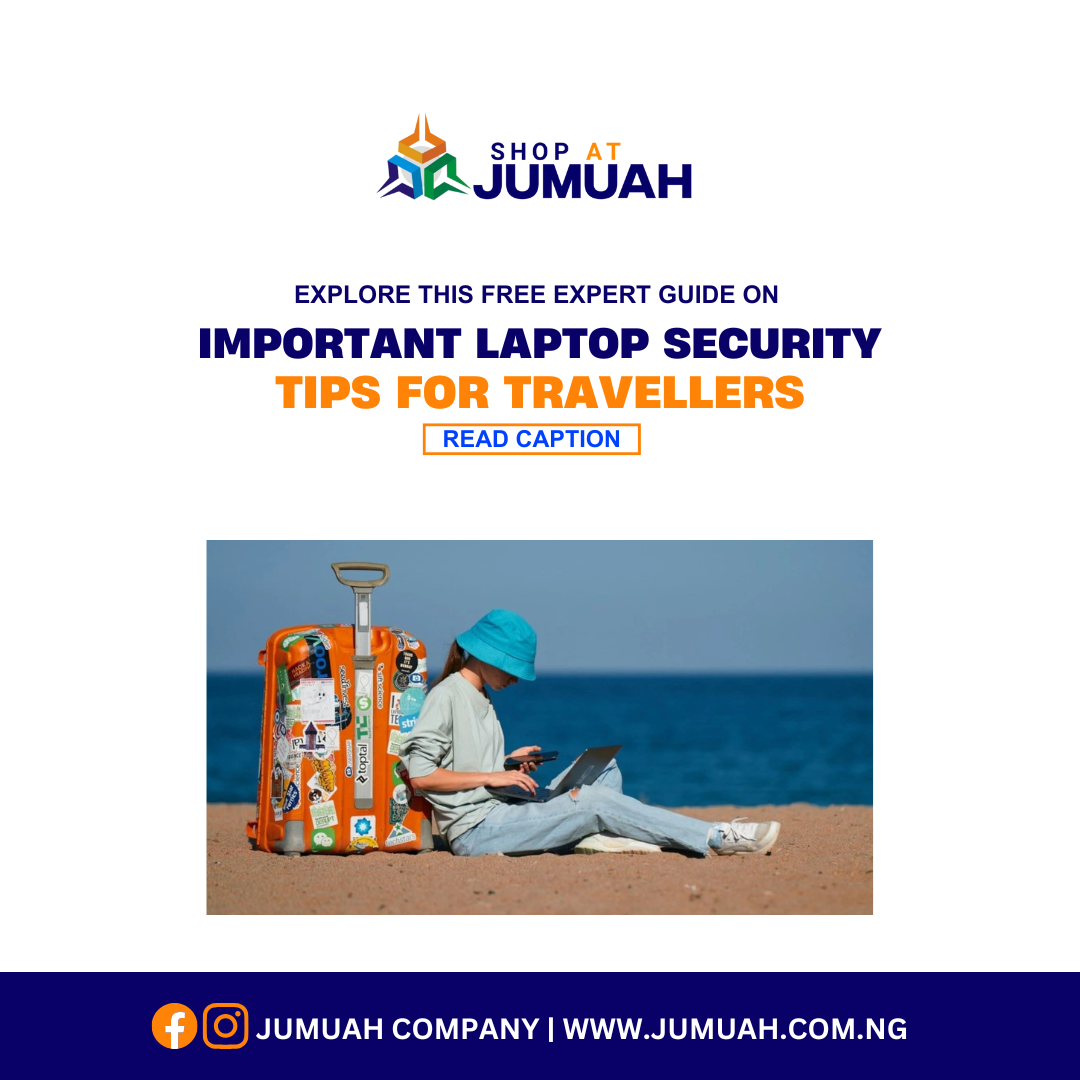
Laptop Security Tips for Travelers

Traveling with your laptop can expose it to security risks such as theft, hacking, and physical damage. Whether you’re a business professional, digital nomad, or student, safeguarding your laptop while traveling is crucial. In this guide, we’ll explore essential laptop security tips for travelers to ensure your device stays secure.
Why Laptop Security Matters When Traveling
Laptops store sensitive data, including personal files, work documents, and financial information. A lost or compromised laptop can lead to data breaches, financial loss, and identity theft. That’s why implementing laptop security tips for travelers is non-negotiable.
1. Use a Strong Password and Enable Two-Factor Authentication (2FA)
A strong password is the first layer of defense. Use a mix of uppercase and lowercase letters, numbers, and special characters. Additionally, enable two-factor authentication (2FA) on all accounts to add an extra layer of security.
2. Encrypt Your Hard Drive
Encryption protects your data even if your laptop is stolen. Windows users can use BitLocker, while Mac users can enable FileVault to encrypt their drives. This ensures that unauthorized users cannot access your sensitive information.
3. Install Reliable Antivirus Software
Cyber threats such as malware and phishing attacks can target travelers. Install reputable antivirus software and keep it updated to defend against potential threats.
4. Avoid Public Wi-Fi or Use a VPN
Public Wi-Fi networks in hotels, airports, and cafes are hotspots for hackers. Always use a Virtual Private Network (VPN) to encrypt your internet connection and protect your data from cybercriminals.
5. Keep Your Software and OS Updated
Regular updates fix security vulnerabilities that hackers exploit. Ensure that your operating system, software, and applications are always up to date before and during your travels.
6. Enable Remote Tracking and Wiping Features
If your laptop is lost or stolen, remote tracking can help locate it. Windows users can enable Find My Device, while Mac users can use Find My Mac to track or erase data remotely.
7. Physically Secure Your Laptop
Physical security is just as important as digital security. Consider the following:
- Use a laptop lock to secure your device in public spaces.
- Never leave your laptop unattended in airports, cafes, or hotel lobbies.
- Store it in a discreet, non-laptop-looking backpack to avoid attracting thieves.
8. Backup Your Data Regularly
Frequent backups ensure you don’t lose important files if your laptop is stolen or compromised. Use:
- Cloud storage (Google Drive, Dropbox, OneDrive)
- External hard drives for offline backups
9. Beware of Shoulder Surfing and Cyber Theft
When working in public places, be aware of people looking over your shoulder. Use a privacy screen protector to prevent others from seeing your sensitive information.
10. Disable Auto-Connect to Wi-Fi Networks
Your laptop might automatically connect to unsecured networks, exposing it to security threats. Turn off the auto-connect feature and only connect to trusted networks.
11. Use a Secure Password Manager
Travelers often struggle to remember multiple passwords. A password manager securely stores and encrypts your login credentials, reducing the risk of password theft.
12. Carry a Portable Charger and Power Bank
Unexpected low battery levels can force you to use public charging stations, which might be compromised with USB skimming malware. Carry a portable charger to avoid plugging into unsecured charging ports.
13. Be Cautious with USB Drives and External Devices
Cybercriminals use infected USB drives to spread malware. Never plug in unfamiliar USB devices, and always scan external storage before accessing files.
14. Lock Your Laptop When Not in Use
Set your laptop to auto-lock after a short period of inactivity. This simple step prevents unauthorized access if you leave your device unattended.
15. Get Travel Insurance for Your Laptop
Travel insurance can cover laptop theft, damage, or loss. Check policies that specifically cover electronics and business devices while traveling.
Conclusion
Laptop security is essential when traveling, whether for work or leisure. By following these laptop security tips for travelers, you can minimize risks, protect your data, and ensure your device remains safe. Implement these measures to enjoy a worry-free travel experience with your laptop!
Looking to upgrade or buy a secure, travel-friendly laptop? Contact Jumuah Industrial Company Limited for the best deals on premium UK-used laptops at wholesale prices!
Call/WhatsApp: +234 707 287 7651
Location: 3, Oshitelu Street, Beside Gtbank, Ikeja Computer Village
Visit Us Online: Shop With Jumuah